DeFi Crypto Wallet
A DeFi wallet is your access point to onchain crypto.
It lets you hold your own crypto, connect to DeFi apps, use smart contracts, swap, bridge, stake, manage NFTs, and access Web3 without relying on a centralized exchange.
Choosing the right wallet matters because each one handles networks, user experience, fees, security, and dapp support differently.
What is a DeFi Wallet?
A DeFi wallet is a crypto wallet that lets you connect directly to DeFi apps, also known as dapps.
Unlike an exchange wallet – where a platform like Coinbase, Binance, or Kraken usually controls the private keys – a DeFi wallet puts you in control.
You can use decentralized exchanges, lending markets, staking protocols, NFT platforms, bridges, airdrops, and other onchain tools without being limited to one company’s features.
In simple terms, an exchange account is more like a crypto banking app. A DeFi wallet gives you direct access to the onchain internet.
The trade-off is responsibility. If your wallet uses a seed phrase, protect it carefully. If you lose it, you may lose access. If someone else gets it, they can take your funds.
What can you do with a DeFi wallet?
A DeFi wallet lets you use crypto directly onchain, instead of only buying, selling, and holding assets through a centralized exchange.
Common uses include:
- Hold your own crypto, stablecoins, and NFTs
- Connect directly to dapps
- Swap tokens on decentralized exchanges
- Bridge assets between networks
- Stake, lend, borrow, or earn yield
- Interact with smart contracts
- Claim airdrops and track DeFi positions.
The biggest difference is that you’re not just using the services a centralized platform decides to offer.
You can find and interact with any app or service you like on the blockchain, without restrictions.
How to set up a DeFi wallet
Setting up a DeFi wallet is simple, but the security steps matter.
- Choose a wallet: Pick one that supports the networks and apps you want to use. Phantom is usually better for Solana, while MetaMask is common for Ethereum and EVM apps.
- Install it safely: Download it only from the official website, app store listing, or verified browser extension page.
- Create the wallet: Open the app or extension and follow the setup prompts. Some wallets use a seed phrase, while newer smart wallets may use a passkey.
- Back up your recovery method: If you get a seed phrase, write it down and store it offline. Don’t save it in screenshots, emails, cloud notes, or messages.
- Fund your wallet: Send crypto from an exchange or another wallet. Make sure you use the correct network.
- Connect to a dapp: Visit the app, click “Connect Wallet,” choose your wallet, and approve the connection.
- Check before signing: Read every approval before confirming. Be careful with token approvals, unknown dapps, fake airdrops, and anything that feels rushed or unclear.
Top DeFi Wallets
Metamask

Key features:
- Huge dapp support across Ethereum and EVM networks
- Built-in swaps, bridging, staking, and portfolio tracking
- NFT support
- MetaMask Snaps for adding extra wallet features
- Now supports non-EVM networks too, including Bitcoin, Solana, and TRON
Best for: Ethereum and EVM users who want the most widely supported DeFi wallet.
MetaMask is one of the best-known DeFi wallets in crypto.
It started as an Ethereum and EVM-only wallet, but now supports a ton of chains including Bitcoin, Solana, and TRON.
In practice, MetaMask is still the wallet that “just works” with the widest range of Ethereum and EVM apps. If you’re using Uniswap, Aave, OpenSea, or similar apps – or any of the most popular blockchains – MetaMask is usually supported.
MetaMask has also become more of an all-in-one crypto hub than just a wallet.
It has a Portfolio page for tracking assets, plus swaps, bridging, staking, NFTs, Snaps for extra features, and MetaMask Card for spending selected wallet funds in supported regions.
The trade-off is that it can feel technical, and its built-in swaps aren’t cheap. MetaMask charges a 0.875% service fee on top of normal trading fees, so frequent traders may prefer using a DEX or aggregator directly.
Main trade-off: MetaMask is well established and widely supported, but it can feel clunky for beginners. Its in-wallet swap fees are also on the high side.
| Wallet Type | Software wallet |
| Networks | Ethereum, EVM chains, Bitcoin, Solana, TRON |
| Platforms | Browser extension, iOS, Android |
| How you use it | Connect to Ethereum and EVM dapps, then swap, bridge, stake, or manage NFTs from the wallet |
| Standout Feature(s) | Default wallet for Ethereum and EVM apps, with wide ecosystem support. |
Base App (formerly Coinbase Wallet)
Key features:
- Coinbase exchange linking
- Dapp browser
- Token swaps and bridging
- Simple Mode for beginners
- Mobile support for Bitcoin, Dogecoin, and Litecoin
Best for: Beginners who want a self-custody wallet with easy Coinbase exchange integration.
Base App, formerly known as Coinbase Wallet, is Coinbase’s non-custodial crypto wallet – separate from its exchange.
It lets users hold crypto, connect to dapps, swap tokens, bridge assets, and use DeFi without keeping funds on an exchange account.
Its biggest appeal is convenience. If you already use Coinbase, moving funds between the exchange and your wallet is super easy, and feels familiar.
The main catch is that Base App isn’t always the best wallet for every ecosystem.
It supports Ethereum, Solana, and EVM-compatible networks, but its in-app DEX integrations are focused on EVM networks such as Base, Ethereum, and Arbitrum.
Heavy Solana users will get a smoother DeFi experience from Phantom.
Main trade-off: Coinbase Wallet is easy to use, especially for Coinbase customers, it’s also not usually the first pick for heavy Solana dapp use.
| Wallet Type | Software wallet |
| Networks | Ethereum, Solana, EVM chains, plus BTC, DOGE, LTC on mobile |
| Platforms | Browser extension, iOS, Android |
| How you use it | Connect to DeFi apps and Base dapps, with easy Coinbase transfers built in |
| Standout Feature(s) | Easy Coinbase exchange connection |
Phantom
Key features:
- Excellent Solana experience
- Multi-chain support beyond Solana
- NFT and collectibles support
- Solana staking
- Side panel mode, scam detection, and Ledger support
Best for: Solana users who want a clean wallet that now works across more chains.
Phantom started as the go-to Solana wallet, and that’s still where it shines.
If you’re using Solana apps, NFTs, memecoin tools, Jupiter, staking, or token swaps, Phantom usually feels more natural than a general-purpose wallet.
It’s also nice and easy to use on desktop. Phantom’s side panel mode lets the wallet stay open on the side of your browser, which is useful when checking balances, comparing routes, or using dapps with several confirmations.
The main thing to watch is swap cost. Phantom’s in-wallet swapper is convenient, but it charges a 0.85% fee on certain swap routes, plus normal network, bridge, or DEX fees.
Main trade-off: Phantom is now multi-chain, but its strongest identity is still Solana. It’s smooth, but in-wallet swaps are expensive.
| Wallet Type | Software wallet |
| Networks | Solana, Ethereum, Base, Polygon, Sui, Monad, Bitcoin, HyperEVM |
| Platforms | Browser extension, iOS, Android |
| How you use it | Use app or browser extension to manage Solana assets, stake, swap, and connect to dapps |
| Standout Feature(s) | Best user experience for Solana, with useful desktop side panel |
Zerion
Key features:
- DeFi portfolio tracking
- Wallet watching
- Automatic tracking for staked tokens, LPs, rewards, and debts
- Transaction simulator before signing
- 50+ EVM chain support plus Solana support
Best for: DeFi users who want strong portfolio tracking across many wallets and networks.
Zerion is a DeFi wallet built around portfolio tracking.
It’s useful when your assets are scattered across multiple chains, LP positions, staked assets, lending positions, rewards, airdrops, or old wallets.
Its biggest advantage is visibility. Zerion helps you see what you own and what your DeFi positions are doing, rather than just giving you a place to sign transactions.
It also includes a transaction simulator, which previews what a transaction should do before you sign. That’s handy in real DeFi use, where wallet drainers often rely on users approving things they don’t understand.
Main trade-off: Zerion is amazing for tracking and managing DeFi positions, but it’s not as widely supported as MetaMask.
| Wallet Type | Software wallet |
| Networks | Solana, Ethereum, 50+ EVM networks, custom EVM networks |
| Platforms | Browser extension, iOS, Android |
| How you use it | Track your DeFi positions across chains, connect to dapps when needed |
| Standout Feature(s) | DeFi portfolio tracking across wallets and chains |
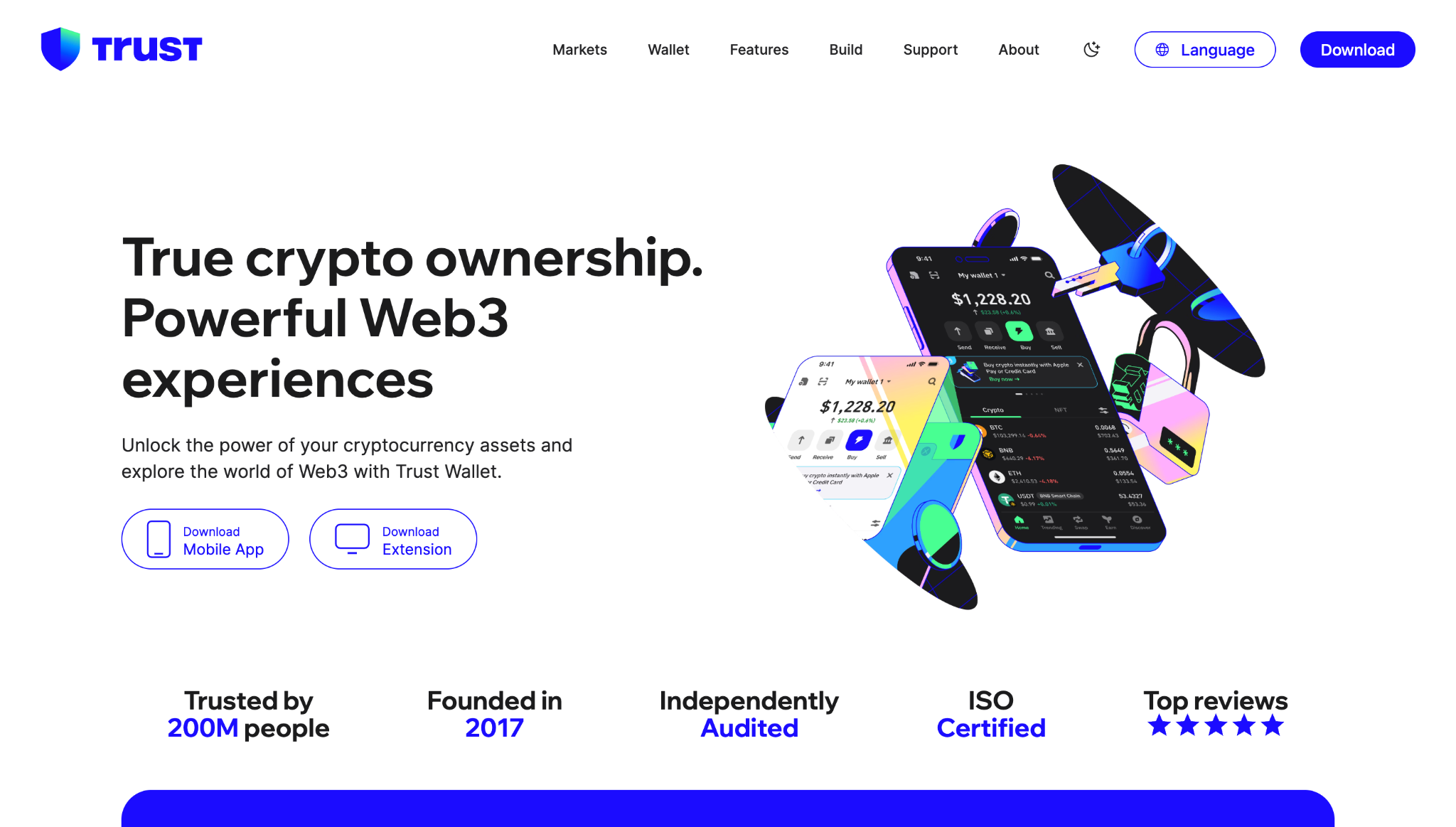
Trust Wallet
Key features:
- 100+ blockchain networks
- Mobile-first wallet experience
- Dapp browser
- Token swaps and staking
- Optional encrypted cloud backup and proactive warnings
Best for: Mobile users who want broad chain support in one simple wallet.
Trust Wallet is a popular self-custody wallet originally launched in 2017 and acquired by Binance in 2018.
It’s built for users who want one wallet for lots of assets, networks, dapps, NFTs, swaps, and staking.
The main reason people use Trust Wallet is how widely it supports the crypto ecosystem. It supports 100+ blockchains, which makes it very handy if you don’t want a different wallet for every chain.
That also shapes how it feels to use – it’s more of an all-purpose crypto wallet than a specialist DeFi dashboard, Solana wallet, or Ethereum power-user tool.
It’s easy to use and covers a lot of ground, but users who spend most of their time in one ecosystem might prefer a wallet built more specifically for that chain.
Main trade-off: Trust Wallet is broad and beginner-friendly, but it’s more general-purpose than specialist wallets like those above.
| Wallet Type | Software wallet |
| Networks | 100+ blockchains, including Bitcoin, Ethereum, Solana, BNB Chain |
| Platforms | iOS, Android, browser extension |
| How you use it | Use one app to manage many chains, swap, stake, and connect to dapps |
| Standout Feature(s) | Broad multi-chain support in one simple wallet |
What is a hardware wallet?
A hardware wallet is a physical device that stores your wallet’s private keys offline.
That’s useful because most DeFi wallets live on your phone or browser, which makes them more exposed to online risks.
With a hardware wallet, your keys stay on the device, and you physically approve transactions before they go through.
Hardware wallets are ideal for larger balances, long-term storage, or anyone who wants extra protection while still using DeFi. Popular examples include Ledger and Trezor.
The trade-off is convenience. They’re safer, but slower to use than a normal mobile or browser wallet.
Hardware wallets vs software wallets
| Hardware wallet | Software wallet | |
| What it is | Physical device | App or browser extension |
| Best for | Larger balances, long-term storage | Everyday DeFi use |
| Key storage | Offline on the device | On your phone or browser |
| Convenience | Less convenient | More convenient |
| Examples | Ledger, Trezor | MetaMask, Phantom, Coinbase Wallet, Zerion, Trust Wallet |
Ledger
Key features:
- Different “level” wallets at different price points
- Private keys stored offline
- EAL5+/EAL6+ certified Secure Element chips
- Physical transaction approval
- Ledger Wallet app for managing assets
- Works with wallets like MetaMask and Phantom
Best for: Users who want hardware-level protection while still using DeFi.
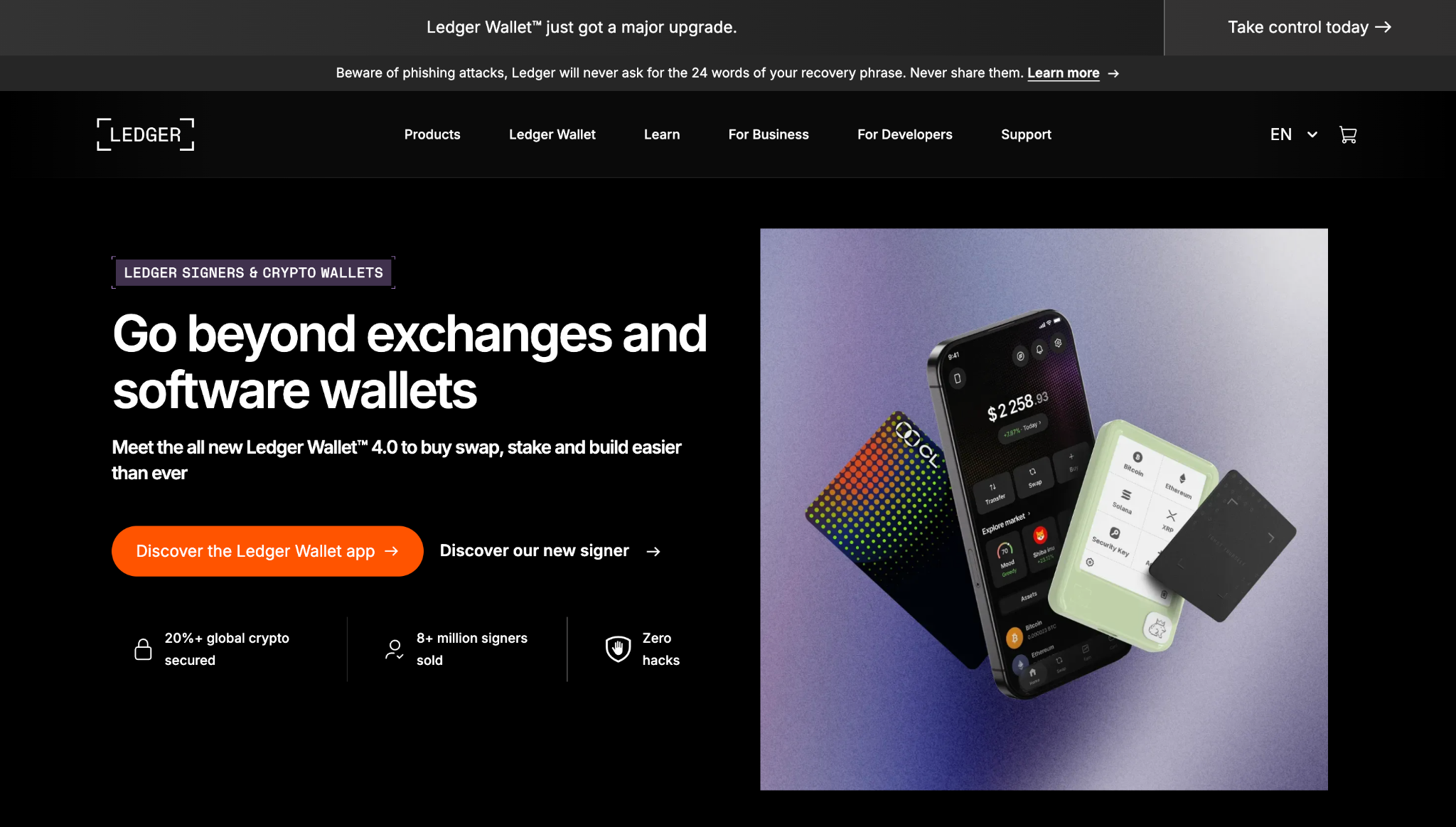
Ledger is a hardware wallet brand that stores private keys offline inside a physical device.
Its devices use EAL5+ or EAL6+ Secure Element chips, which means your private keys are kept inside a hardened chip that’s been seriously tested against advanced attacks.
For DeFi, Ledger works best as a secure signing device.
You can manage assets through its Ledger Wallet app, Ledger Live, but for wider DeFi use, most users connect Ledger to wallets like MetaMask or Phantom.
You still use dapps normally, but the final transaction just needs to be approved on the Ledger device.
Ledger’s more affordable options are the Nano S Plus, which is the simple wired model, and the Nano X, which adds Bluetooth for easier mobile use. Its higher-end models are the Ledger Flex, which has a larger touchscreen, and the Ledger Stax, which adds a curved screen, wireless charging, and a more premium feel.
There’s also a Nano Gen5 model that sits in the middle, with a more modern screen-based design and extra connection options without going fully premium.
Main trade-off: Ledger gives stronger protection than a hot wallet, but DeFi is slower because you need the physical device to approve transactions.
| Wallet Type | Hardware wallet |
| Networks | Bitcoin, Ethereum, Solana, XRP, stablecoins, NFTs, and more |
| Platforms | Ledger device, Ledger Wallet app, and third-party wallets |
| How you use it | Use a dapp through a wallet, then approve on Ledger |
| Standout Feature(s) | Strong hardware signing for larger balances |
Trezor
Key features:
- Keeps private keys offline
- Open-source approach to wallet security
- Secure Element chips in newer Safe models
- Extra transparent TROPIC01 chip in the Safe 7
- Works with Trezor Suite, WalletConnect, MetaMask, Rabby, and other wallets
Best for: Users who want open-source-focused hardware security for DeFi and self-custody.
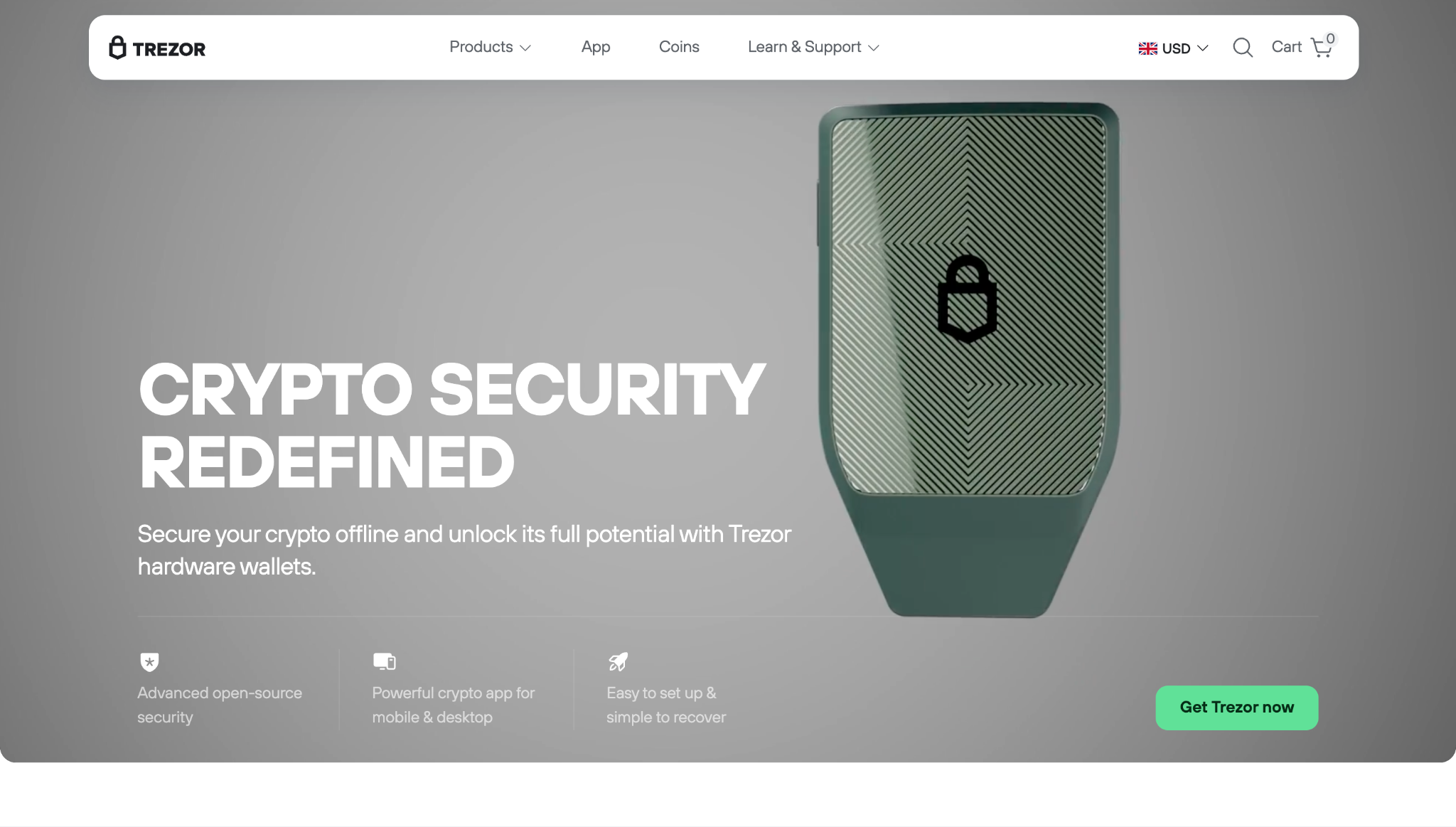
Trezor is the original hardware wallet brand.
Like Ledger, it stores private keys offline and requires physical approval before transactions are signed.
The main difference is how they approach security: Trezor puts more emphasis on open-source design, while Ledger relies more on its secure chip and closed device system. Newer Trezor Safe devices also use EAL5+ or EAL6+ Secure Element chips.
For DeFi, Trezor is usually used through Trezor Suite, WalletConnect, or third-party wallets like MetaMask. You use the dapp through one of those apps, then confirm the transaction on your Trezor device.
Trezor’s more affordable options are the Trezor Model One, which is the older basic model, and the Trezor Safe 3, which adds newer security features in a simple button-based device.
Its higher-end models are the Trezor Safe 5, which has a colour touchscreen, and the Trezor Safe 7 – the premium model with a larger touchscreen, metal body, and dual secure elements.
In 2024, a Trezor third-party support incident exposed some names and emails. Wallets and funds weren’t compromised, but phishing attempts increased.
Main trade-off: Trezor is strong for transparent hardware security, but DeFi use usually requires a third-party wallet and the device on-hand for approvals.
| Wallet Type | Hardware wallet |
| Networks | Bitcoin, Ethereum, Solana, and many others |
| Platforms | Trezor device, Trezor Suite, and third-party wallets |
| How you use it | Use a dapp through a wallet, then approve on Trezor |
| Standout Feature(s) | Open-source-focused hardware security |
Smart wallets and account abstraction
Not all DeFi wallets work the same way anymore.
Older wallets usually follow the same pattern: install an app or browser extension, write down a seed phrase, fund the wallet, switch networks manually, and approve each transaction yourself.
Smart wallets are designed to make that experience smoother.
They often use account abstraction – which basically means the wallet can do more in the background, instead of making every onchain action manual.
What does this look like for the end user?
- Logging in with a passkey instead of only using a seed phrase
- Paying gas fees in different tokens
- Having gas fees sponsored by an app
- Batching several actions into one transaction
- Setting spending limits or approval rules
- Recovering access with guardians or other recovery tools
- Using shared approvals for team or treasury wallets
Put simply, account abstraction makes crypto wallets feel more like normal apps, while still giving users self-custody.
Here are some smart wallet examples:
Coinbase Smart Wallet / Base Accounts
Key features:
- Passkey-based setup
- Base Mode and Base account support
- Sponsored network fees on many transactions
- Batched transactions
- Can use recovery options if passkey access is lost
Best for: Beginners who want a passkey-based wallet without installing an extension or writing down a seed phrase.
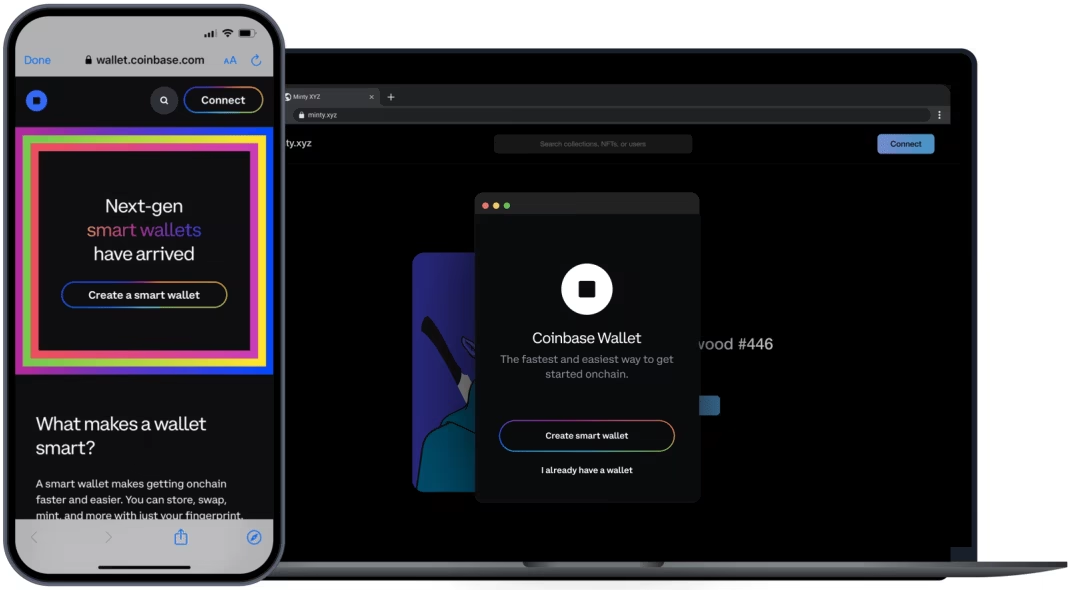
Coinbase Smart Wallet is the smart wallet system behind Coinbase’s newer wallet experience.
In the Base App (formerly Coinbase Wallet) this shows up through “Base Mode” and Base accounts.
The main idea is to make using crypto feel less clunky.
Instead of always installing a separate extension, writing down a seed phrase, funding the wallet, and switching networks manually, supported apps can let users create or access a wallet with a passkey.
Base Mode can also support features like sponsored network fees and batched transactions.
Main trade-off: Coinbase’s smart wallet setup is easier for beginners, but it works differently from a traditional wallet. It’s best for users who want a smoother app-like experience, not full manual control over every wallet detail.
| Wallet Type | Smart wallet / passkey wallet |
| Networks | Base, Optimism, Arbitrum, Polygon, Zora, BNB, Avalanche, Ethereum |
| Platforms | Base app, browser extension, supported dapps |
| How you use it | Use Base mode or connect through supported apps, then approve with a passkey |
| Standout Feature(s) | Smart-wallet features like sponsored fees and batched transactions |
Safe Wallet
Key features:
- Multisig approvals
- Shared treasury management
- Custom signing rules
- Batching transactions
- Works across 400+ EVM networks
Best for: Teams, DAOs, treasuries, and users who want shared control over a wallet.
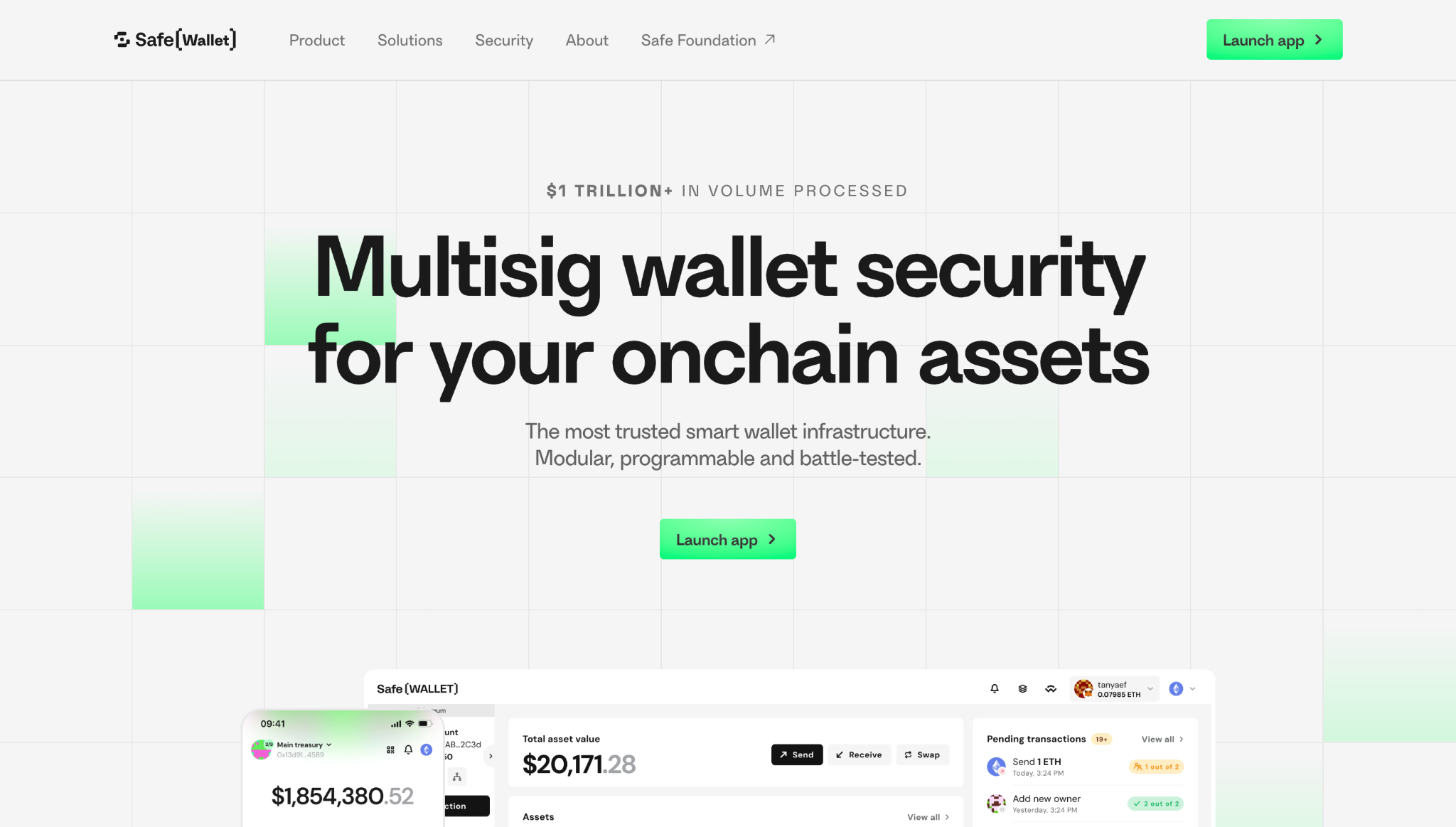
Safe is one of the most important smart wallet products in crypto.
It’s best known as a multisig wallet – a wallet where more than one person or device can be required to approve a transaction before funds move.
The easiest way to understand Safe is this: it’s what you use when one person shouldn’t have total control.
That could mean a DAO treasury, company wallet, protocol admin account, investment group, or a personal setup with multiple approval devices.
Safe is built for secure self-custody, onchain treasury management, and transactions for organizations. It works across almost any EVM network.
Main trade-off: Safe is great for teams and serious self-custody setups, but it’s usually more than a casual user needs for everyday DeFi.
| Wallet Type | Smart contract / multisig wallet |
| Networks | Ethereum and 400+ EVM networks |
| Platforms | Web app and integrations |
| How you use it | Connect existing wallet, create a Safe, then set multiple approval rules to move funds |
| Standout Feature(s) | Standard wallet for DAOs, teams, and treasuries |
Ready (formerly Argent)
Key features:
- Smart contract wallet design
- Social recovery-style security
- Ethereum and Starknet support
- Optimized for Starknet dapps
- No-seed-phrase wallet experience in some Ready products
Best for: Users who want a smart wallet with recovery features instead of a plain seed phrase wallet.
Ready (formerly Argent) is one of the better-known smart wallet names in crypto.
It helped popularize the idea that wallets don’t need to rely only on one private key or one seed phrase.
The main user benefit is recovery. Traditional wallets can be brutal – if you lose the seed phrase, you might just lose everything.
Ready Wallet uses a smart wallet model that can support more flexible recovery, including guardian-style recovery through trusted people or devices.
It’s especially relevant for Starknet users, where Ready Wallet is one of the better-known options for connecting to Starknet dapps.
Main trade-off: Ready Wallet is more specialized than wallets like MetaMask or Trust Wallet. It’s useful for smart wallet recovery and Starknet access, but it’s not the best all-purpose multi-chain wallet.
| Wallet Type | Smart contract wallet |
| Networks | Ethereum and Starknet |
| Platforms | iOS, Android, browser extension |
| How you use it | Like a wallet app or extension, but with built-in recovery helpers |
| Standout Feature(s) | Recovery helpers if you lose access |
DeFi wallet risks
DeFi wallets give you more control, but they also give you more responsibility. There’s usually no bank, exchange, or support team that can reverse a bad transaction for you.
The main risks include:
- Losing your recovery phrase: If you lose your seed phrase or recovery method, you could lose access to your wallet.
- Phishing and fake apps: Scammers often create fake wallet apps, fake browser extensions, fake airdrops, and fake support accounts to try and steal wallet access.
- Malicious approvals: Some attacks don’t need your seed phrase. They trick you into approving a transaction or token permission that lets a malicious contract move your assets.
- Wallet drainers: These are scam tools designed to empty a wallet after you connect or sign something unsafe.
- Malware: If your phone or computer is compromised, a software wallet can be more exposed.
- Smart contract risk: Even if your wallet is safe, the DeFi app or protocol you connect to may have bugs, exploits, or faulty design.
- Hardware damage or loss: Hardware wallets can break or go missing, which is why recovery phrase storage still matters.
You can reduce these risks by using trusted wallets, downloading only from official sources, storing recovery phrases offline, checking approvals carefully, and using a hardware wallet for larger balances.
What is WalletConnect?
WalletConnect is a wallet connection option you’ll often see when a dapp asks you to “Connect Wallet.”
It’s useful because it lets you connect a wallet to a DeFi app without handing over your private keys or installing a new browser extension just for that app.
For example, you can open a dapp on any browser, choose WalletConnect, scan a QR code with your mobile wallet, and approve transactions from your phone.
That makes it handy when your wallet and the dapp are on different devices, or when a dapp doesn’t directly support your wallet as a one-click option.
The company behind WalletConnect rebranded to Reown in 2024, but most users will still see WalletConnect inside apps.
How WalletConnect works
- Open the dapp.
- Click “Connect Wallet.”
- Choose WalletConnect.
- Scan the QR code or approve the connection.
- Confirm transactions from your wallet.
- Disconnect when you’re done.
WalletConnect doesn’t hand over your wallet – it just creates a connection so your wallet can approve or reject actions.
FAQ
- Why should I use a DeFi wallet?
A DeFi wallet lets you use crypto onchain.
You can hold your own assets, connect to dapps, swap, bridge, stake, manage NFTs, and use DeFi without keeping everything on an exchange.
- Who holds my coins?
You do.
Most DeFi wallets are non-custodial, which means you control the keys and the funds. That gives you more freedom, but also more responsibility.
- What happens if I lose or forget my DeFi wallet seed phrase?
With a traditional wallet, you could lose access for good.
Some smart wallets offer recovery options like passkeys, guardians, or multisig owners, but it depends on the wallet.
- What is the safest type of DeFi wallet?
For larger balances, a hardware wallet is usually the safest pick because it keeps your private keys offline.
For everyday DeFi, a software wallet is usually more convenient.
- Are DeFi wallets free to use?
Most software wallets are free to download, but using them can still cost money.
You may pay gas fees, swap fees, bridge fees, or wallet service fees.
Hardware wallets cost money upfront.
- Can I store my NFTs in a DeFi wallet?
Yes.
Many DeFi wallets support NFTs, but support depends on the wallet and the network you’re using.
- Why can’t I see my tokens in my wallet?
Your wallet may not detect the token automatically.
Usually, you can add it manually with the token’s contract address. Just make sure you copy the address from a trusted source.
 Hyperliquid Policy Center Urges SEC to Adopt Crypto Rules with Five Changes
 Why Are Banks Racing to Rebuild What Crypto Already Built?
 SEC Announces Forthcoming Regulations for Crypto Assets
 BitMEX Winds Down as Crypto Perps Take Off, Faces Insider Trading Suit